

Turn Customer Questions Into Confident Purchases
StoreFAQ helps you create organized FAQs for your Shopify store — so customers get answers instantly and buy without hesitation.

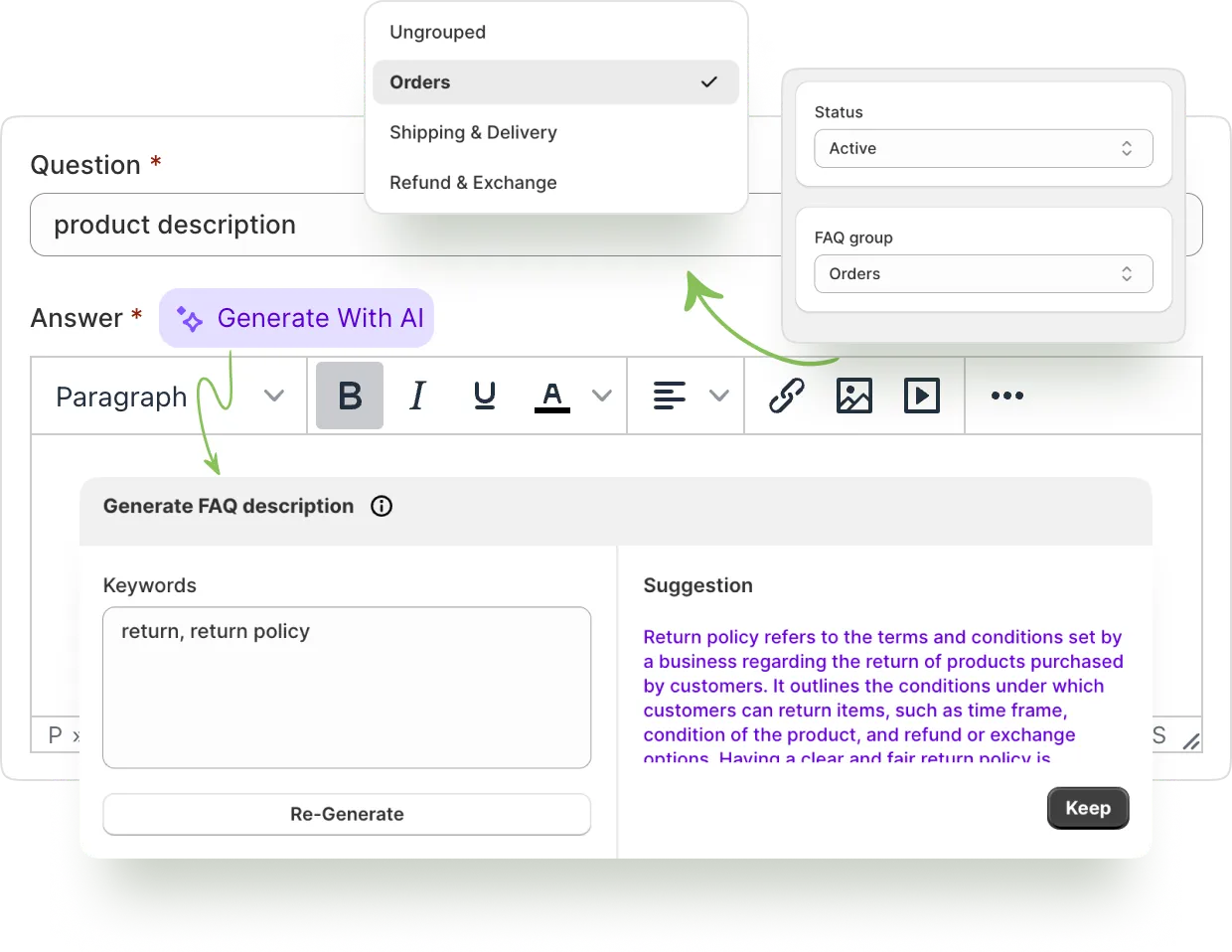
Write Frequently Answered Questions With The Magic Of AI
Answer your common customer questions faster than ever with the help of AI.
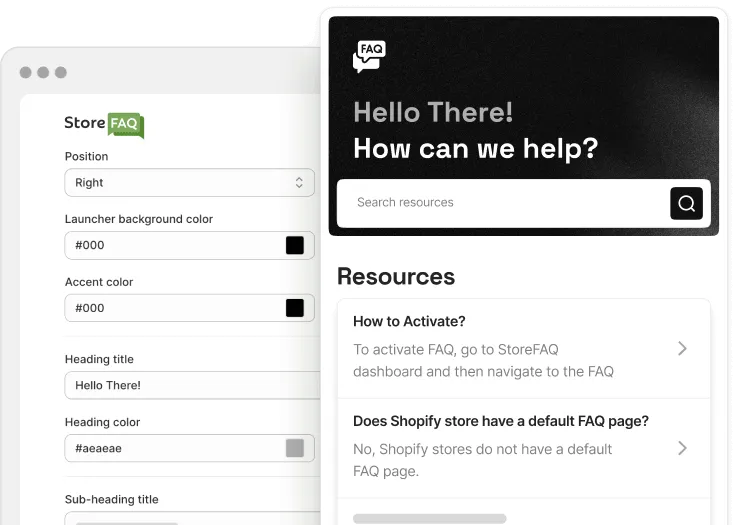
Add Instant Answer in few clicks
Help customers find their desired article easily from any page on the store with search suggestions.
Learn More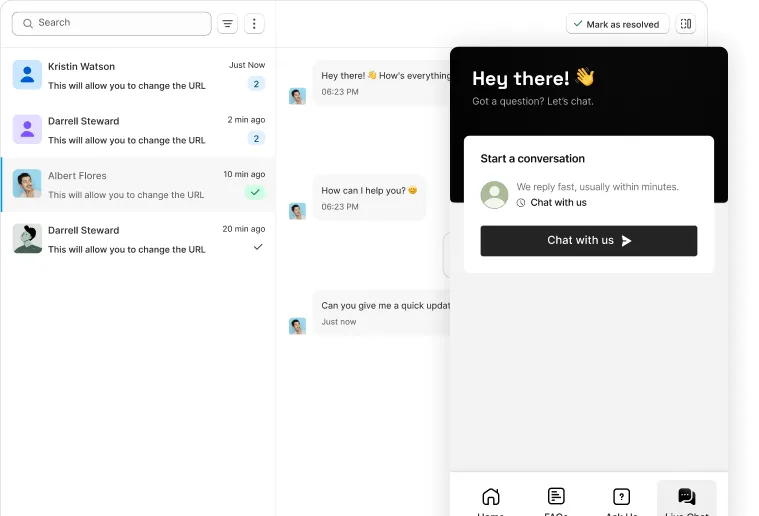
Add Live Chat to Your Shopify Store
Connect directly with customers, answer questions instantly, and style the chat interface to reflect your brand.
Learn More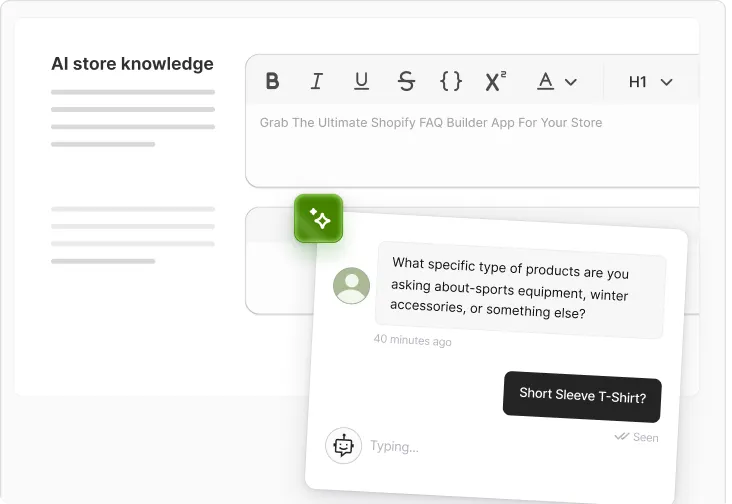
AI Chatbot for Smart Help Desk
AI-powered assistant that automates live chat & delivers real‑time support using your store’s information.
Learn More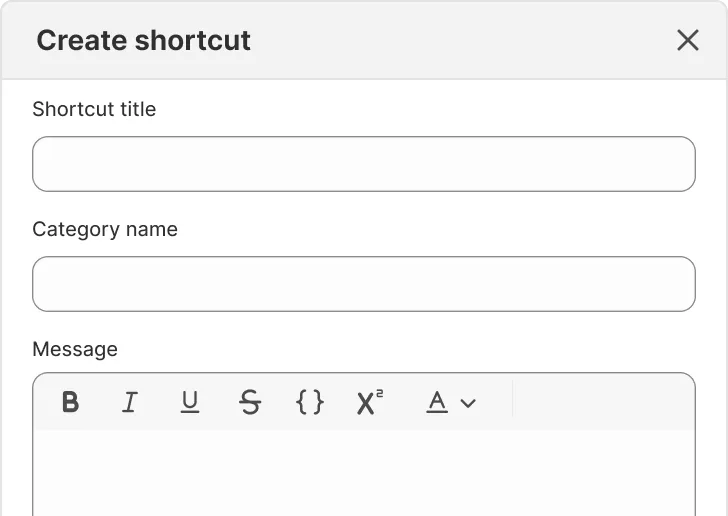
Create Shopify Live Chat Shortcuts
Message Shortcuts help you quickly send pre‑saved replies in Shopify live chat for faster, smoother support.
Learn More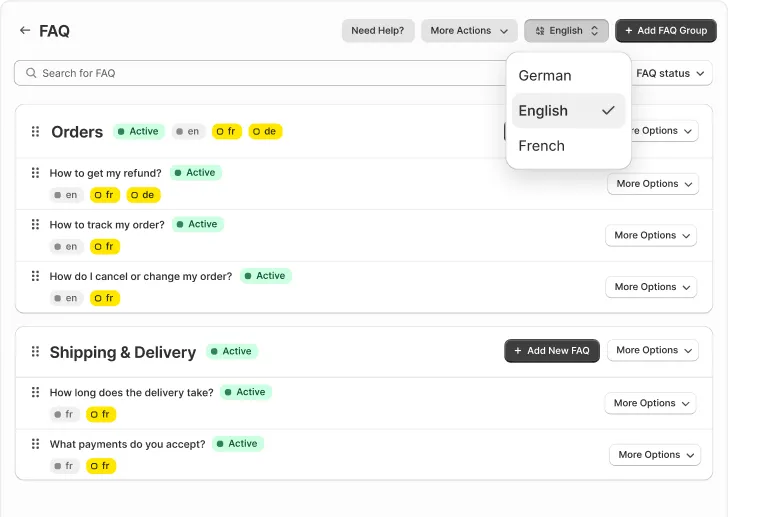
Create FAQs In Any Language
Display multilingual FAQs on your store to deliver clear, effective, and localized support to global customers.
Learn More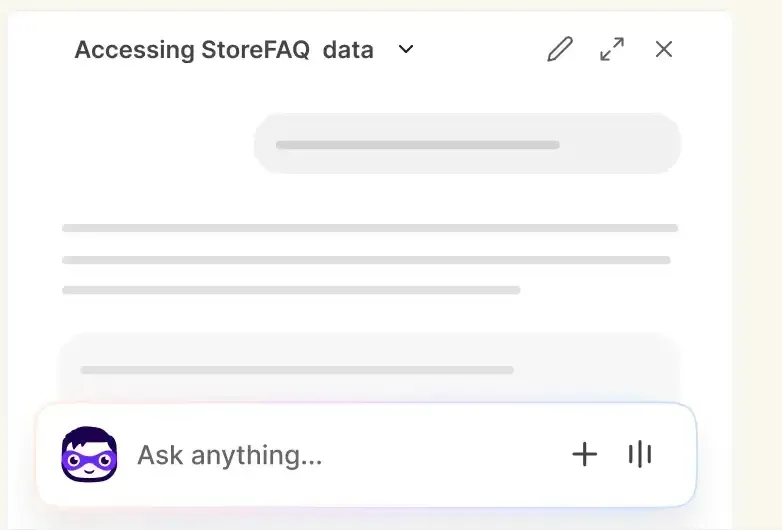
Sidekick Integration
Manage FAQs, FAQ Groups, helpdesk, live chat and StoreFAQ settings directly from Shopify Sidekick with simple commands.
Learn More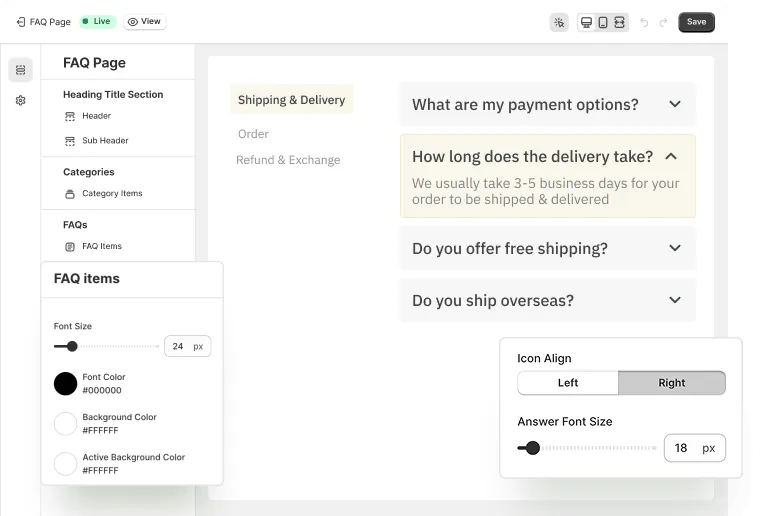
Design FAQ Page With Flexibility
Get the ultimate freedom to design your FAQ page effortlessly with a visual builder and custom CSS styling.
Learn More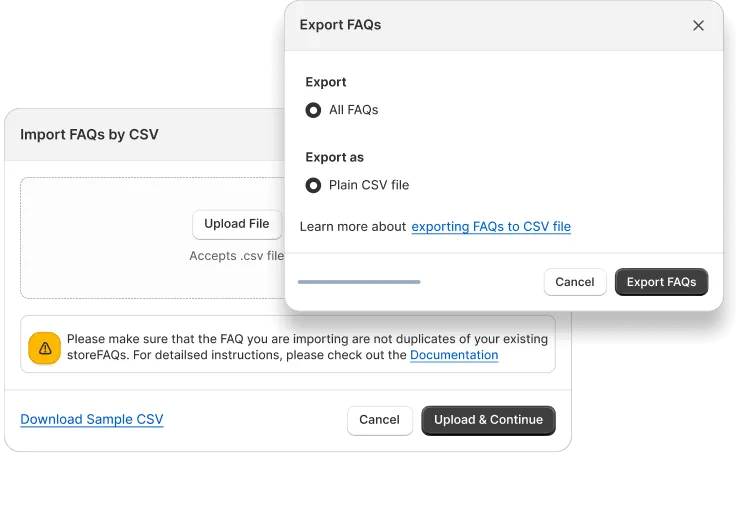
Import & Export FAQs Easily
Easily migrate all your FAQs from one store to another quickly, securely, and without any hassle.
Learn More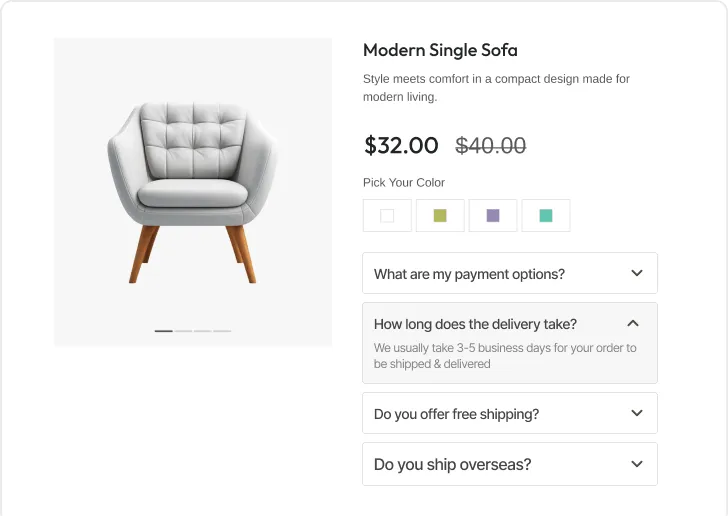
Show Your FAQs On Any Page
Display FAQs effortlessly on any product or page and organize them quickly with intuitive drag-and-drop tools.
Learn More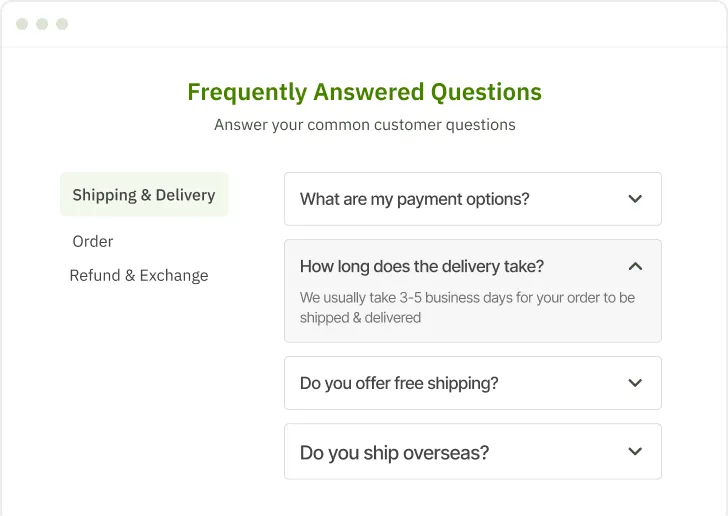
Create Stunning FAQ Pages
Convert your visitors into loyal customers by instantly answering their queries and enhancing their shopping experience.
Learn More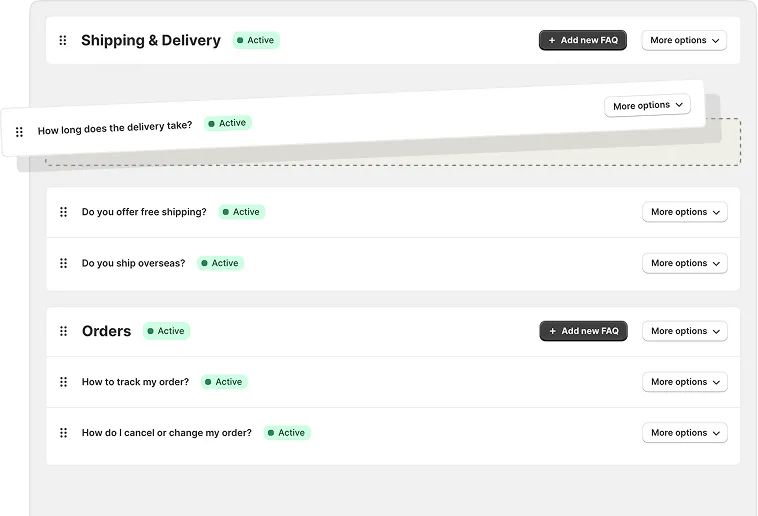
Add FAQs With Drag‑&‑Drop
Easily add FAQs on your store and smoothly move the accordions with drag‑and‑drop, without any hassle.
Learn More
Frequently Asked Questions
Still Need Help? Reach out to our dedicated support team anytime
How to create a FAQ in Shopify?
You can easily create FAQs in Shopify using an StoreFAQ app. All you have to do is install it on your store and add FAQs as you need.
What is the best FAQ accordion app for Shopify?
You can find several FAQ accordion apps for Shopify. However, StoreFAQ is the ultimate FAQ accordion app that will help you create your FAQ in just a few clicks without any hassle.
Does Shopify store have a default FAQ page?
No, Shopify stores do not have a default FAQ page. You need to install additional apps like StoreFAQ to add an FAQ page on your Shopify app.
How do I create a FAQ page?
You can easily add an FAQ page on your Shopify store using StoreFAQ. All you need to do is add your FAQs from StoreFAQ dashboard, then it will automatically create an FAQ page for your store.
Why should I create a FAQ Page in my store?
FAQs help to answer the common customer queries without the need of a support team. Therefore, it helps to reduce support tickets and convert visitors into customers.